Set up
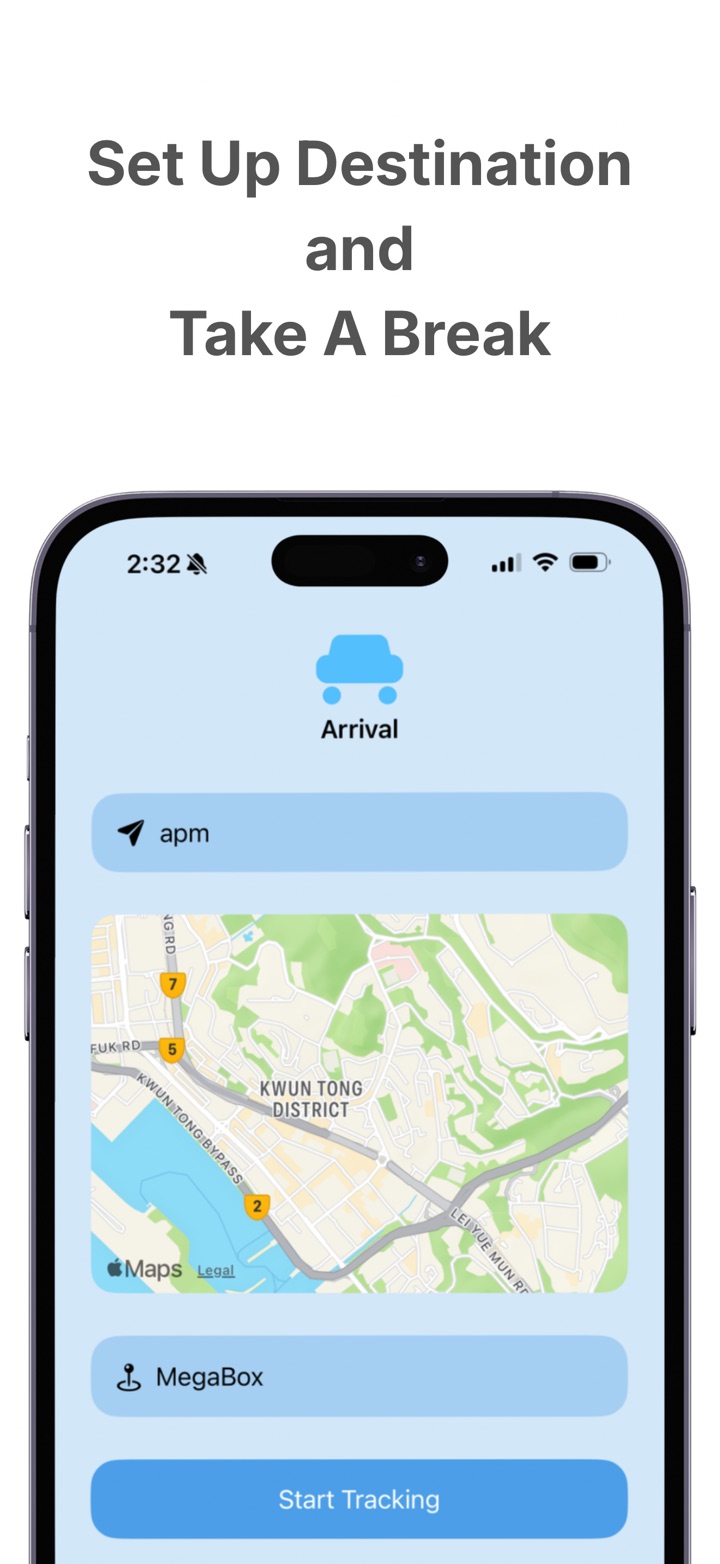
Choose where you want to get off.
Search for your destination, confirm the location, and begin tracking before the journey starts.
Arrival
Arrival is a GPS-based travel alarm that alerts you when you are approaching your destination, so you can relax during the journey without constantly checking the route.
How it works
Arrival focuses on one practical problem: helping you avoid missing your stop while keeping the app simple and easy to use.
Set up
Search for your destination, confirm the location, and begin tracking before the journey starts.
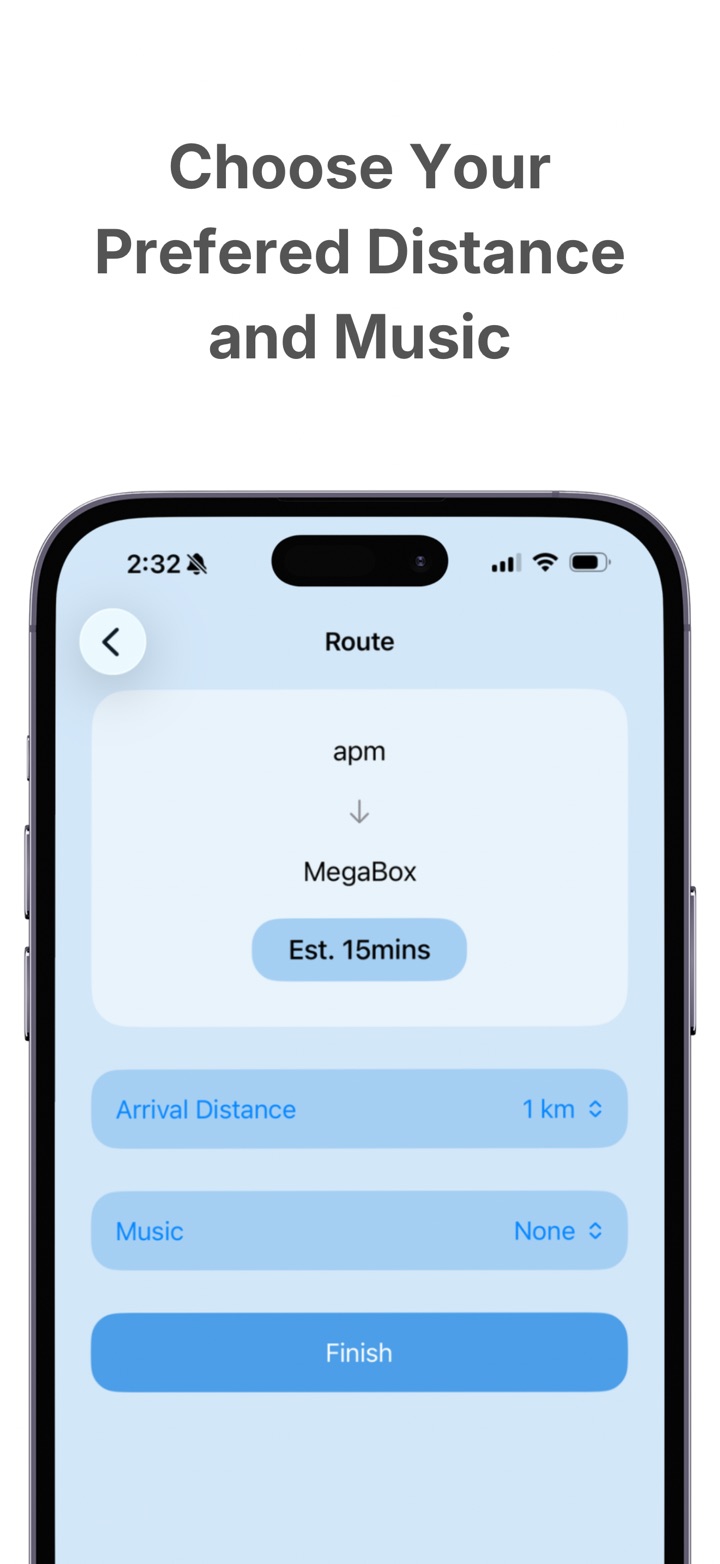
Control
Choose your preferred alert distance and sound settings, so the reminder fits your own travel habits.
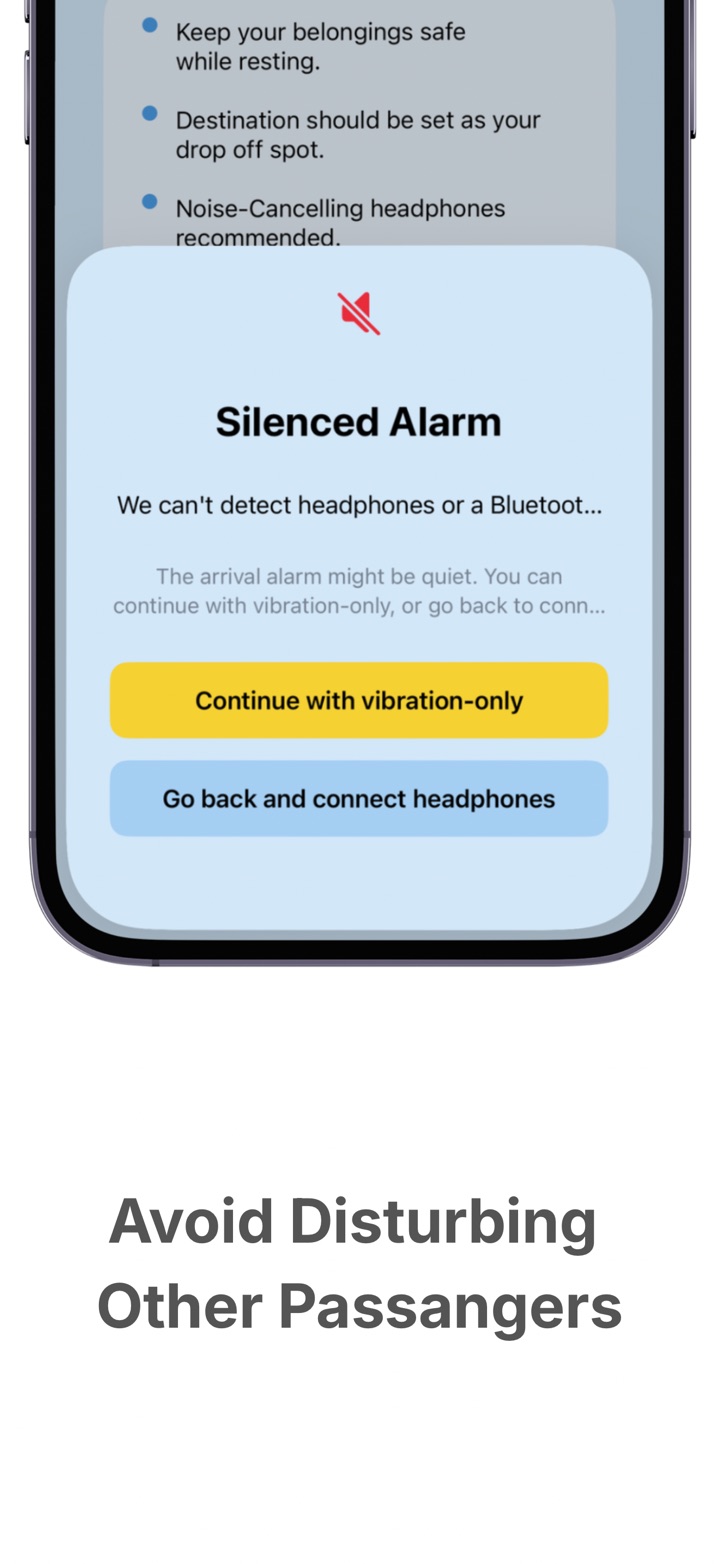
Public travel
Arrival can warn you when headphones are not connected, so you can avoid disturbing nearby passengers.
Tracking
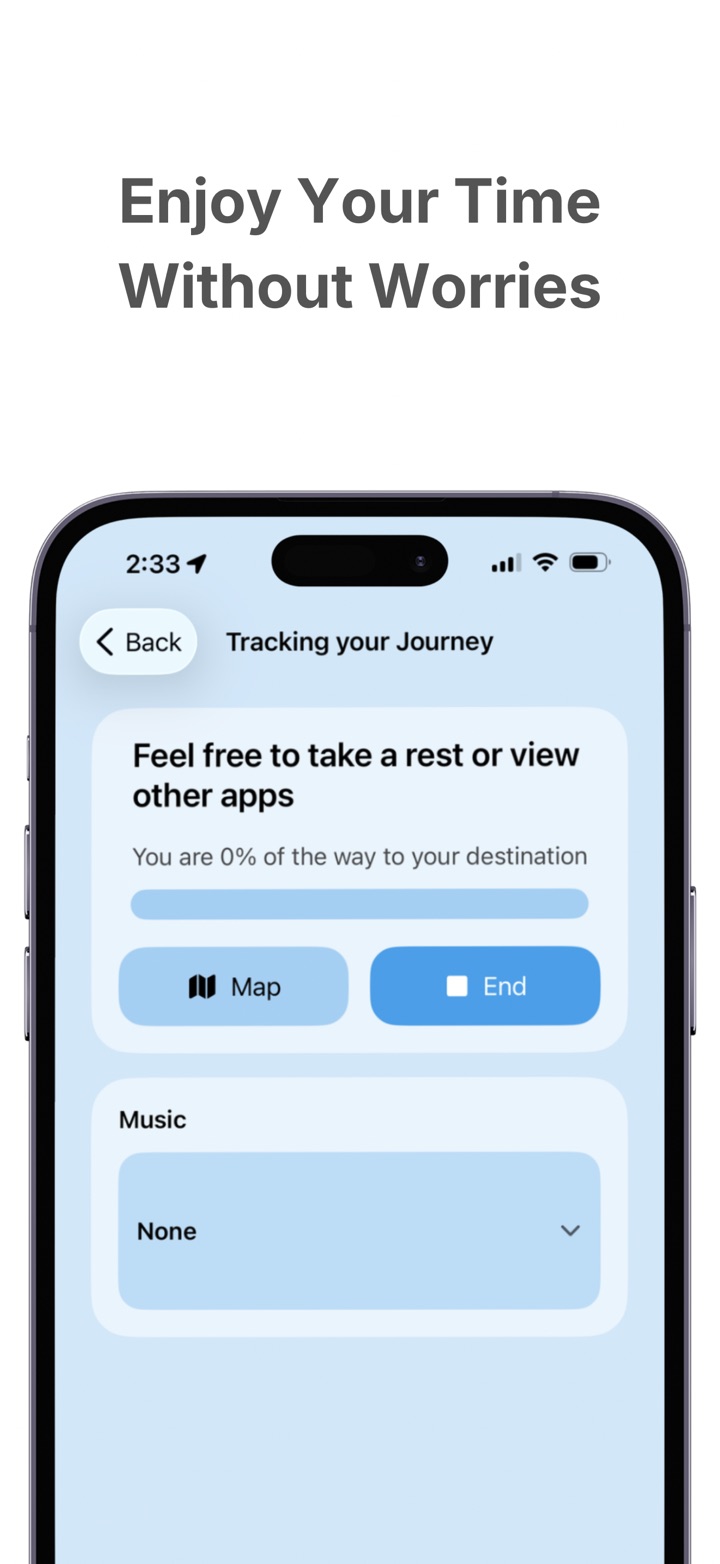
During an active journey, Arrival can continue tracking your progress so the ride feels lighter and less mentally demanding.
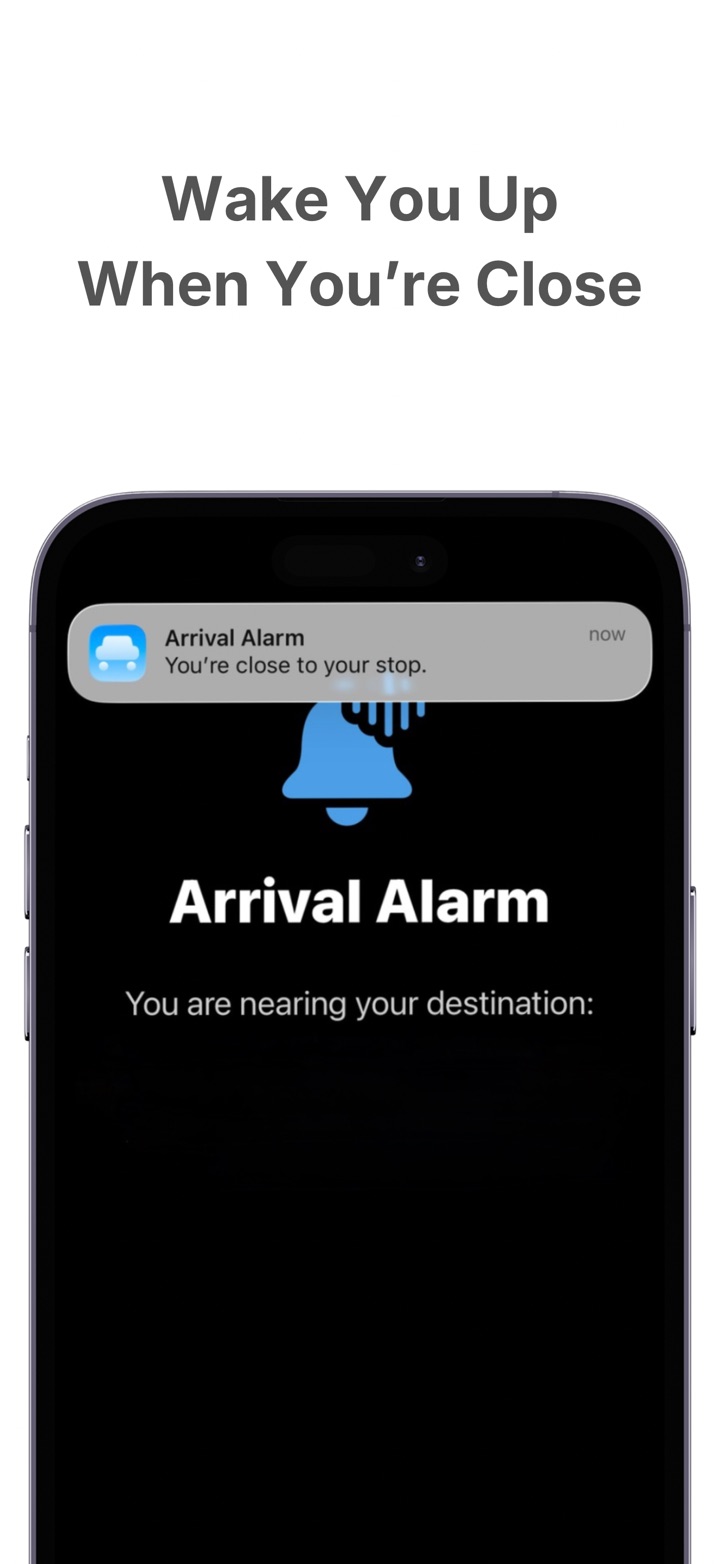
Alert
Arrival helps you avoid the constant half-awake checking that makes long rides feel more tiring.
Premium
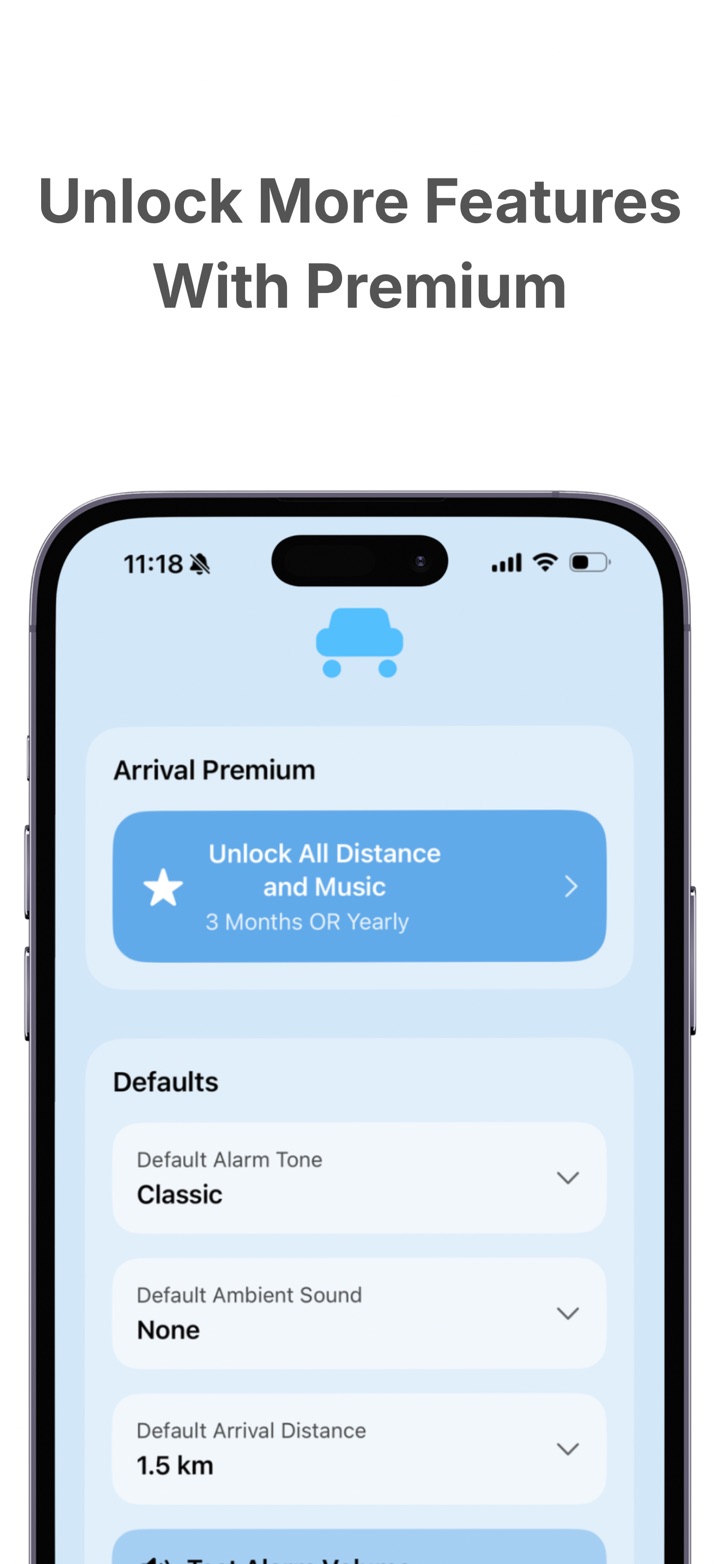
Arrival may offer Premium access for additional settings such as default arrival distance, alarm tone, and ambient sound.
Why Arrival
Arrival is intentionally simple and commuter-first. It is especially suited to longer bus, minibus, train, and everyday transit rides where missing the stop is the real problem.
Core use does not depend on creating an account.
Built around iOS notifications, permissions, and everyday travel habits.
Arrival is built for one clear use case: helping you wake before your stop.
Arrival
Start using Arrival for GPS-based travel reminders, or contact KitVa support if you need help.