Overview
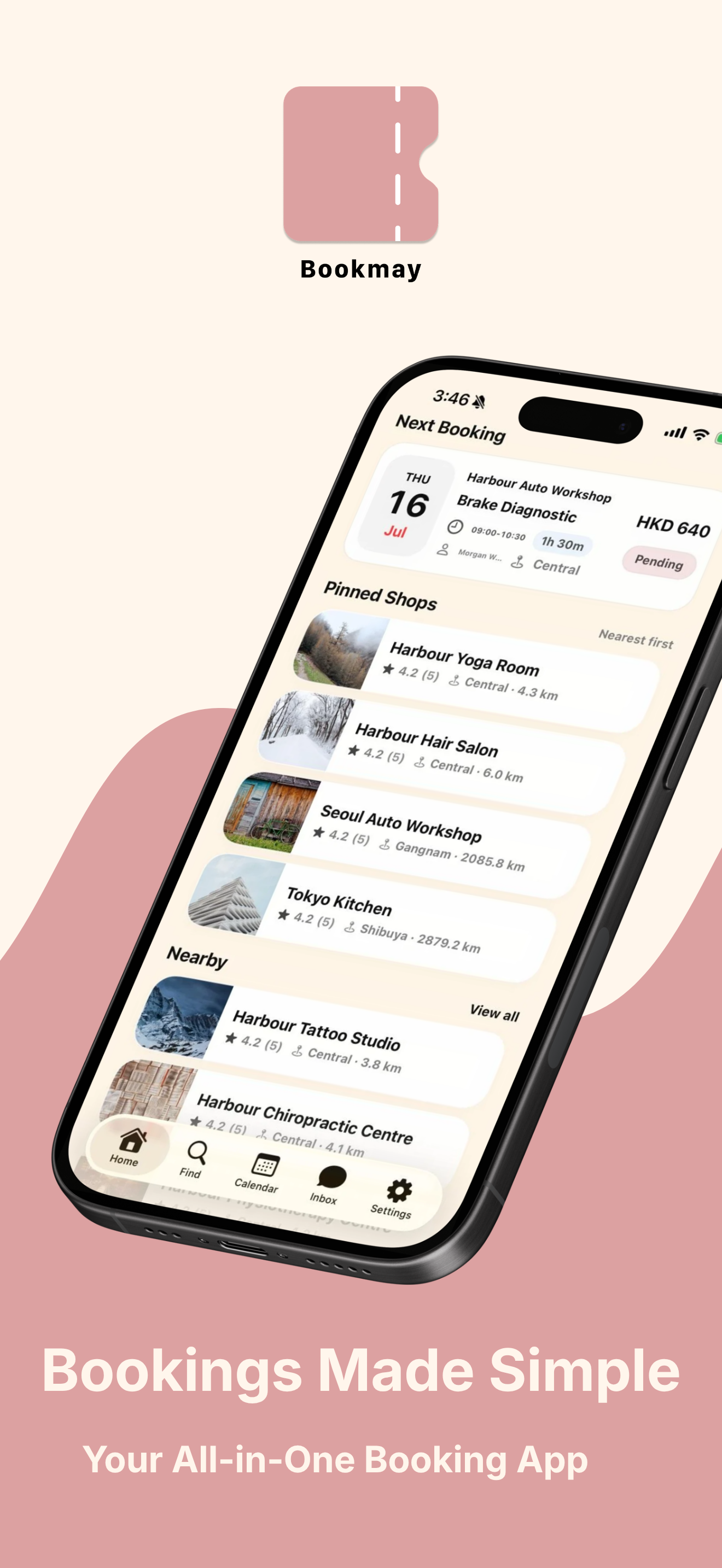
See what is next at a glance.
Your next booking, pinned shops, nearby options, and key actions stay close without feeling crowded.
BookMay
BookMay helps customers discover shops, compare services, choose a time, keep bookings organized, message businesses, and review visits.
How it works
BookMay keeps the important parts of a booking visible: the shop, service, time, status, chat, and review.
Overview
Your next booking, pinned shops, nearby options, and key actions stay close without feeling crowded.
Discover
Search by shop, district, distance, category, or private access code when a business shares one with you.

Details
Review service details, prices, opening hours, address, ratings, and contact options before choosing a time.

Book
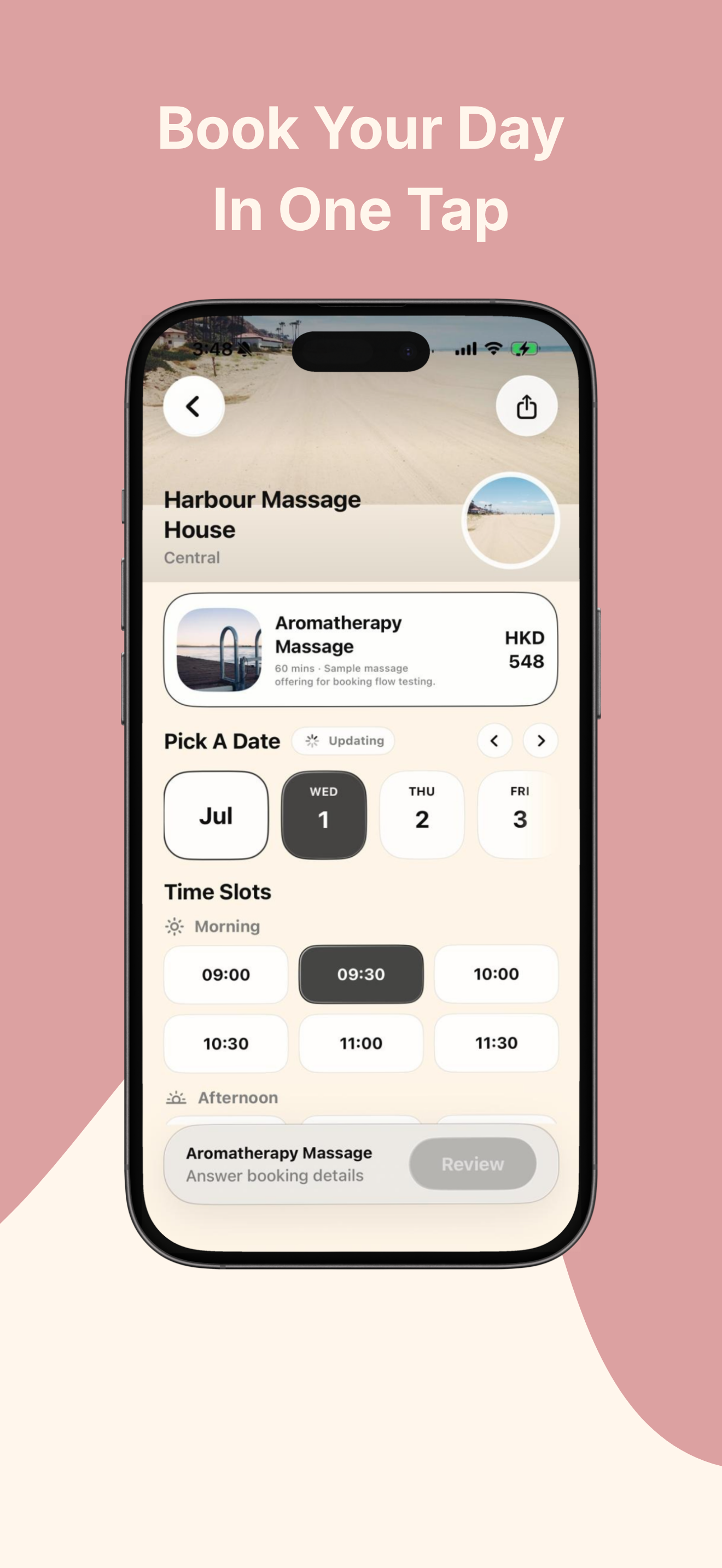
BookMay guides the customer through service selection, available dates, time slots, and any details the business needs.
Reviews
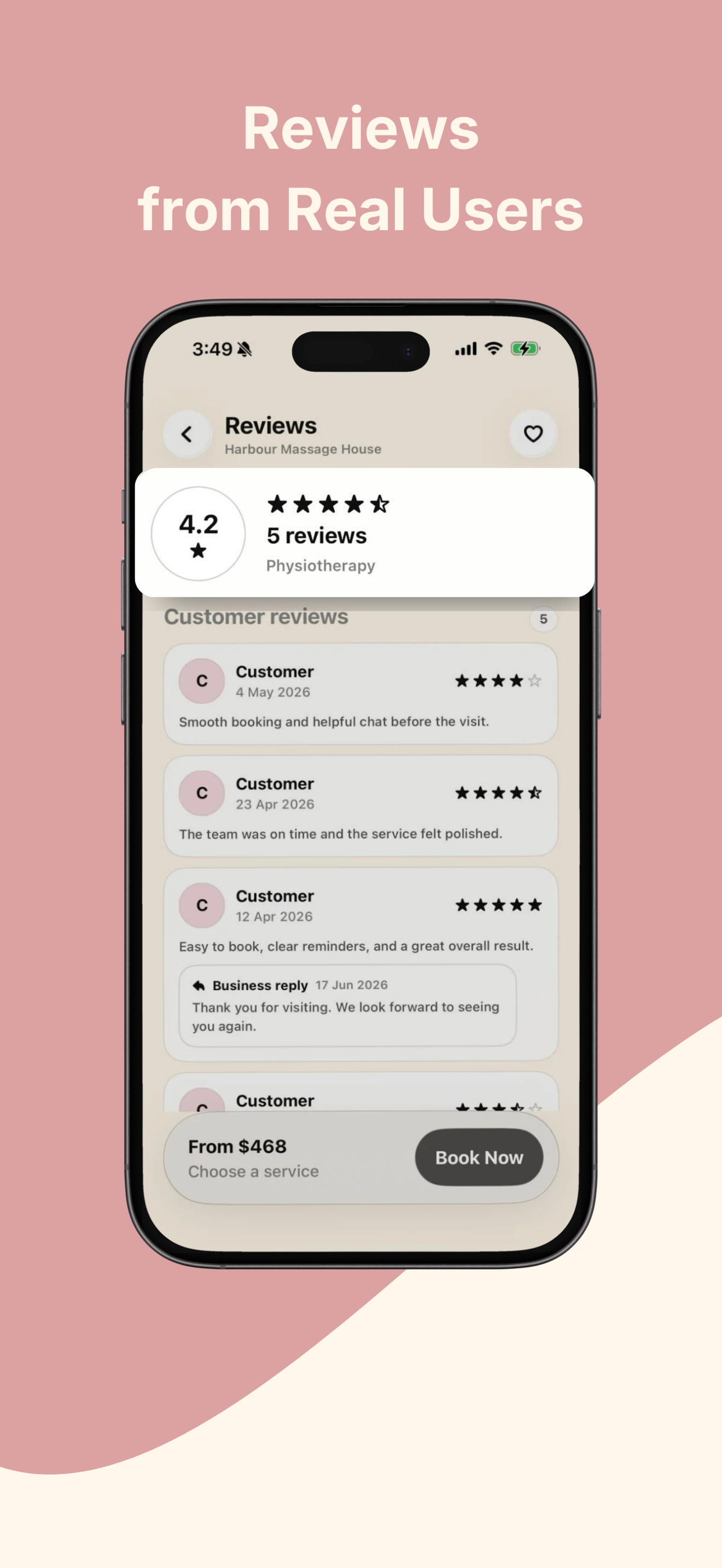
Customers can read and leave reviews connected to real shop visits, while businesses can reply from the same relationship.
Bookings
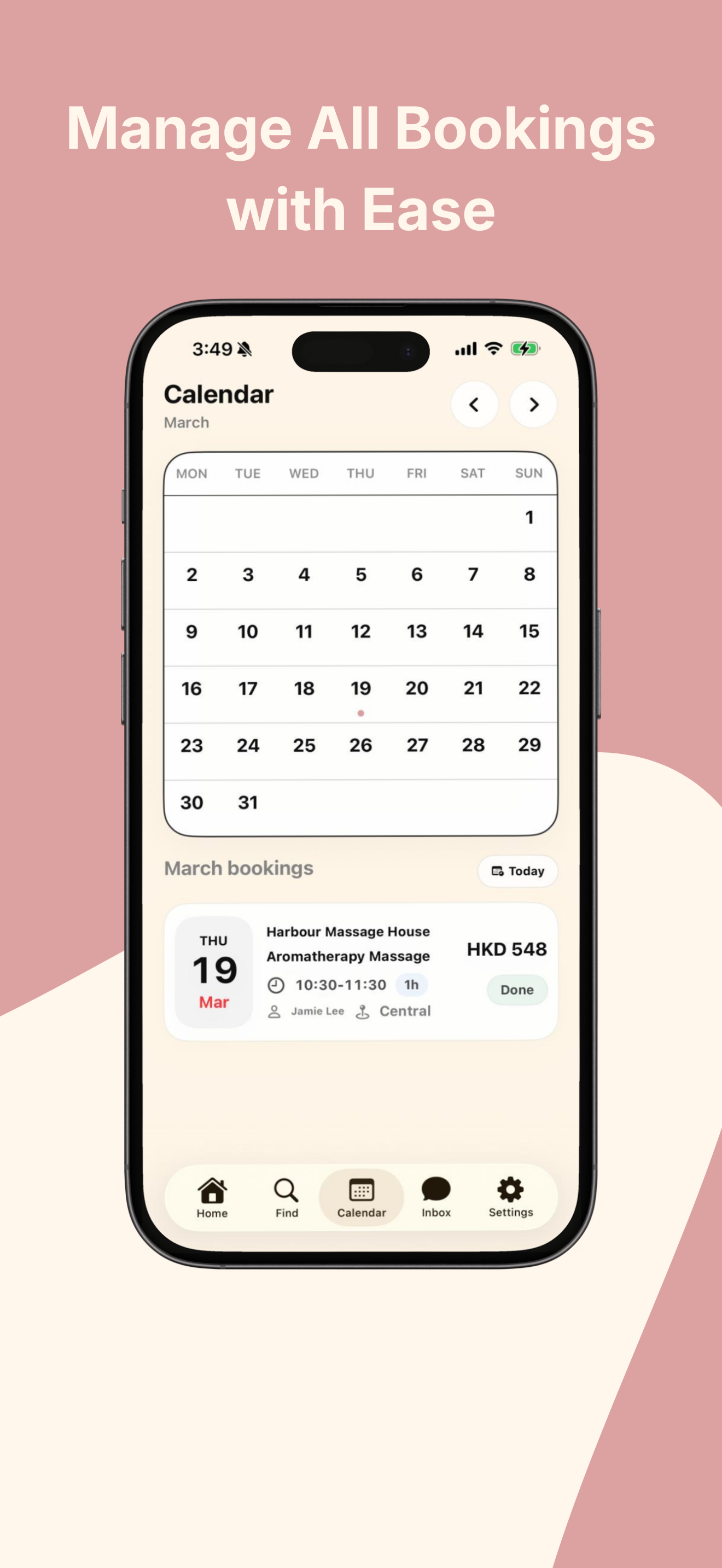
After confirmation, BookMay keeps the date, time, service, price, location, and status available so you do not need to search through scattered messages.
Why BookMay
BookMay is designed around the practical steps customers repeat: finding the right shop, checking the service, booking a time, and keeping the record easy to revisit.
The app keeps discovery, booking, chat, calendar, and reviews in a familiar mobile flow.
BookMay connects to BookMay Business, where authorized merchants manage services, availability, and booking status.
Customers and businesses each have clear legal documents for privacy, platform use, software licensing, and refunds.
BookMay
Start using BookMay for customer bookings, or contact KitVa support if you need help.