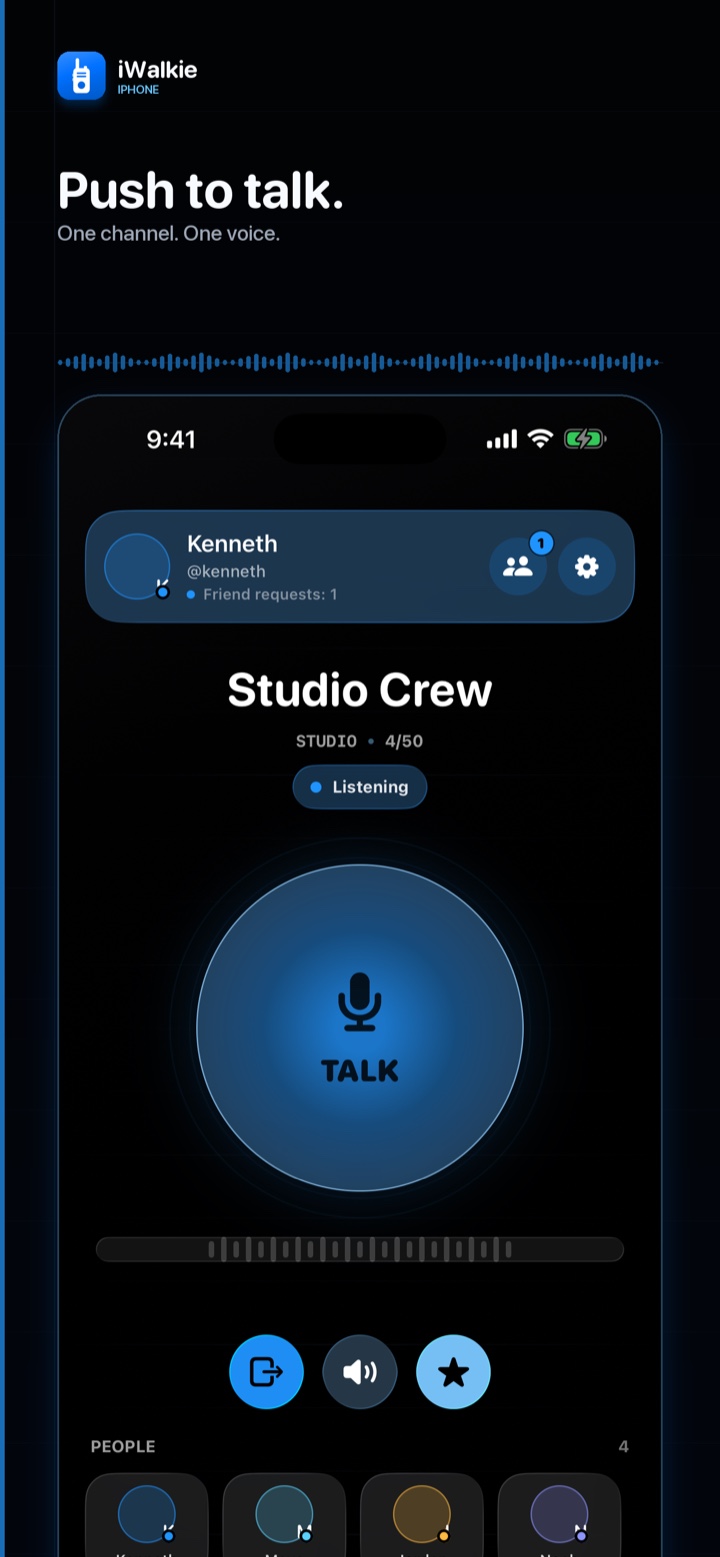
Push to talk
Hold to speak. Release to listen.
Choose a channel and use the large Talk control. The interaction is direct, familiar, and easy to use without navigating through extra screens.
iWalkie
iWalkie turns your Apple devices into a focused internet radio for friends, teams, and small groups. Hold to talk, release to listen, and keep every turn clear.
How it works
iWalkie focuses on one practical flow: choose a channel, hold to speak, then release to listen. Only one person talks at a time.
Push to talk
Choose a channel and use the large Talk control. The interaction is direct, familiar, and easy to use without navigating through extra screens.
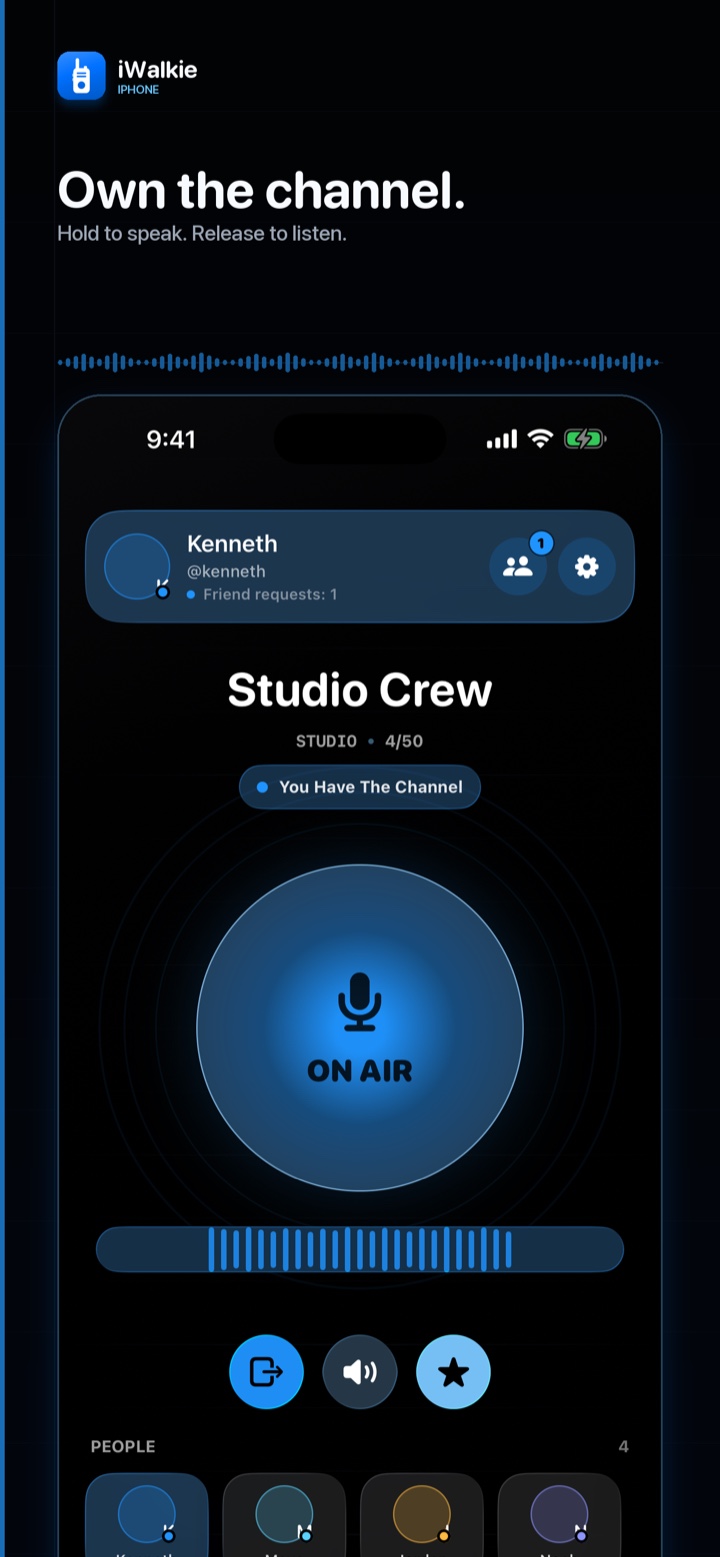
Clear turns
Only one person can hold the channel at a time, so everyone knows who is speaking and when the channel is clear to respond.
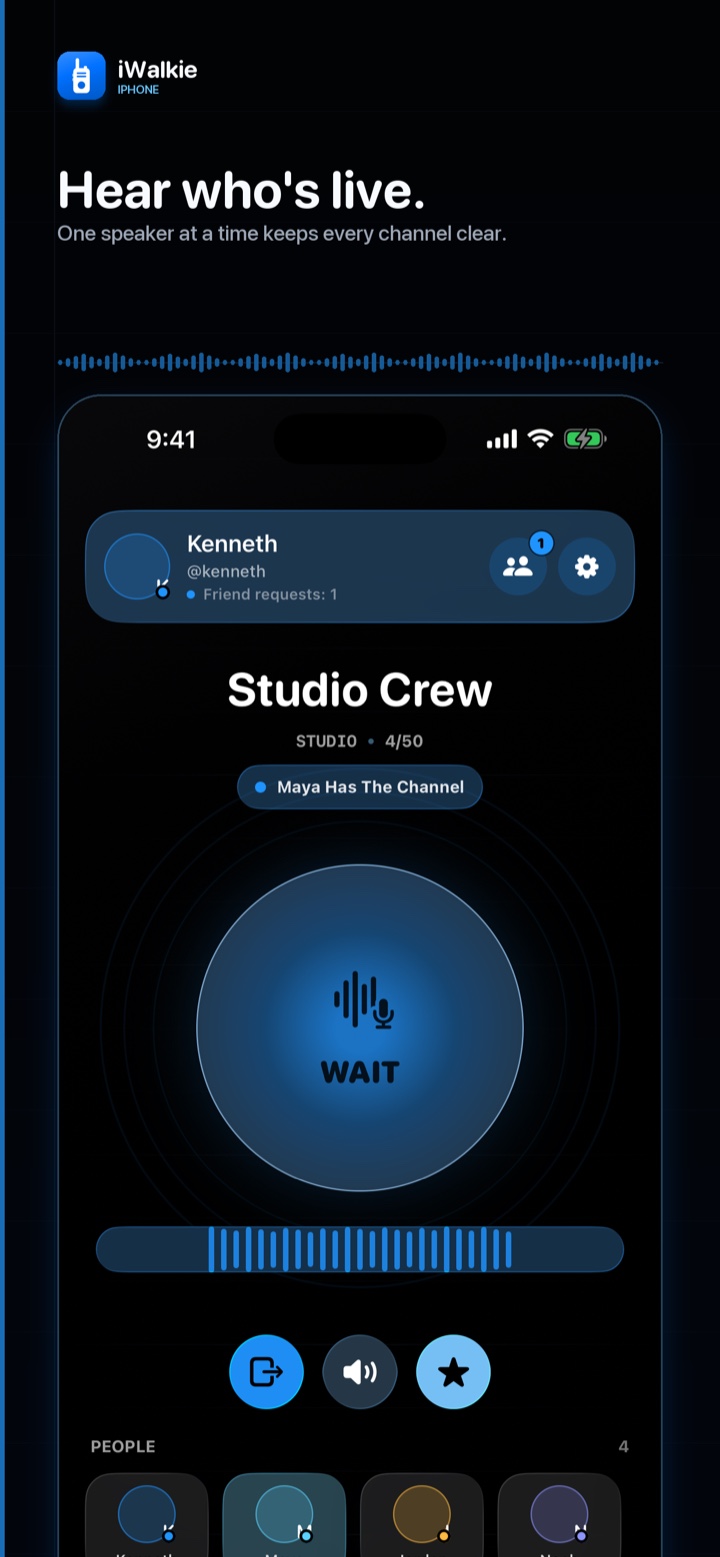
Live presence
See who is available, listening, busy, or currently talking, so the channel stays easy to understand as the group grows.
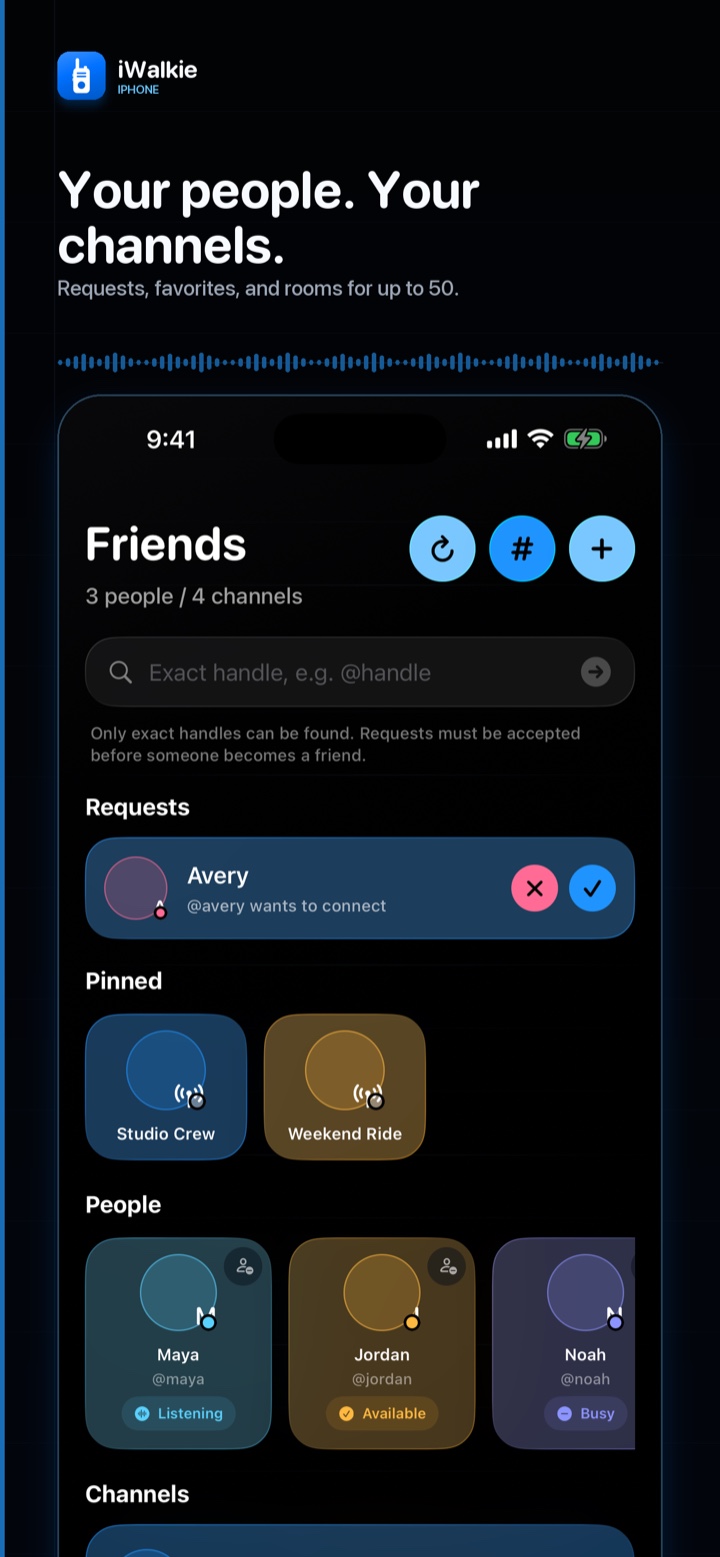
Friends and channels
Find friends by their exact iWalkie handle, use private direct channels, create a group channel, or join one with a code.
Audio and devices
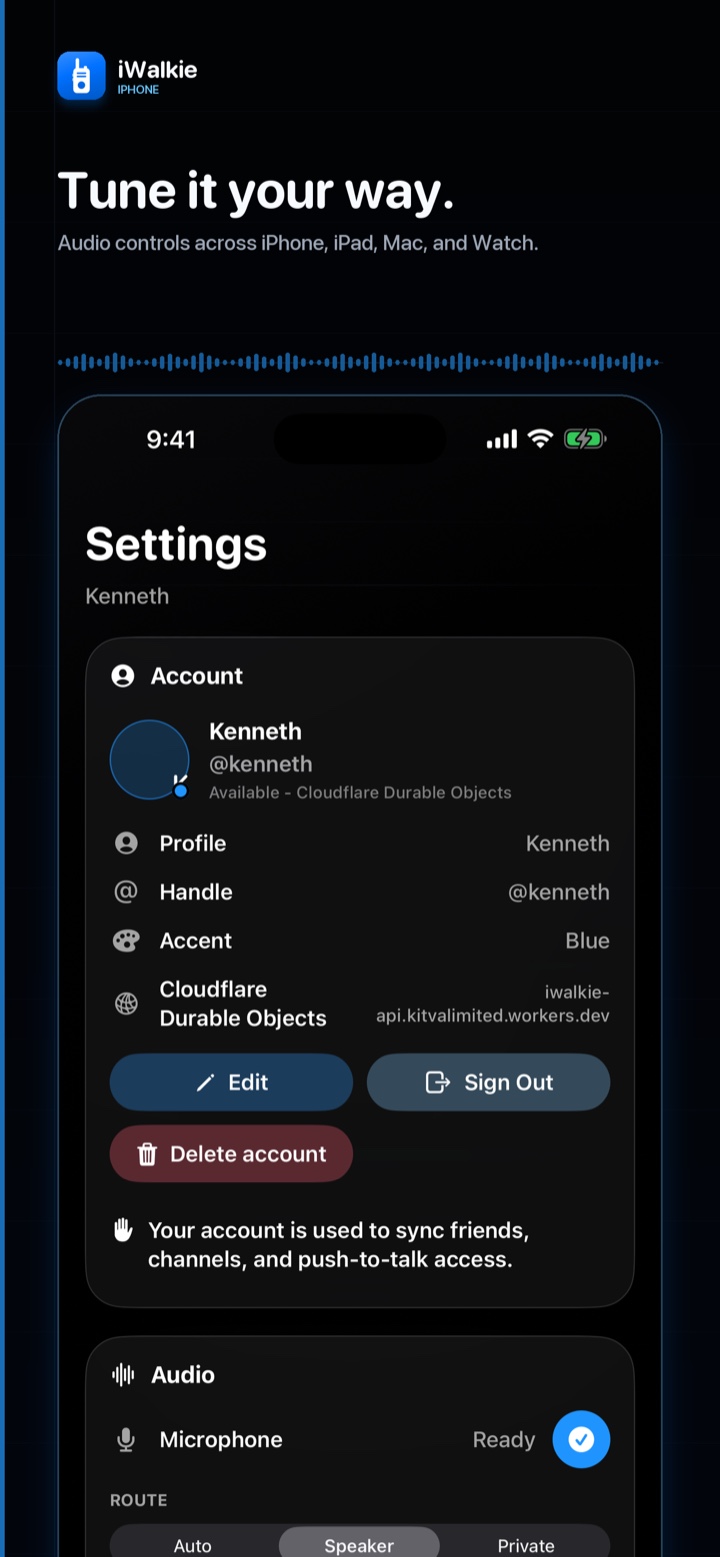
Route sound through your device speaker or a connected Bluetooth accessory, with the same focused experience on iPhone, iPad, and Mac.
Apple Watch
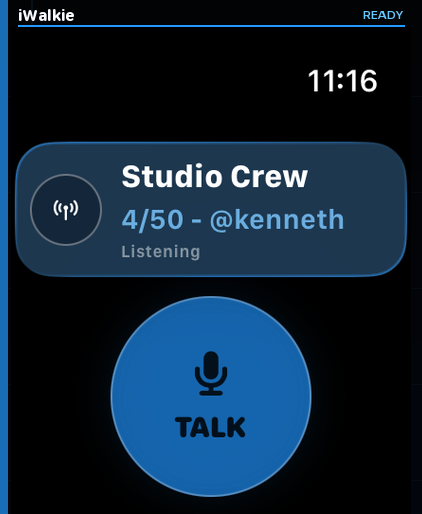
The Apple Watch companion shows the selected channel, who is speaking, and lets you control Push to Talk through the paired iPhone. It does not transmit independently.
Why iWalkie
iWalkie keeps the core push-to-talk experience simple while providing the account, channel, presence, and device features small groups need.
iWalkie transports microphone audio live and does not record or store voice conversations.
Each channel supports up to 50 stored members, with one active speaker at a time.
Talk on iPhone, iPad, and Mac, with companion control from a paired Apple Watch.
iWalkie
Explore the product information or contact KitVa support if you need help with iWalkie.